
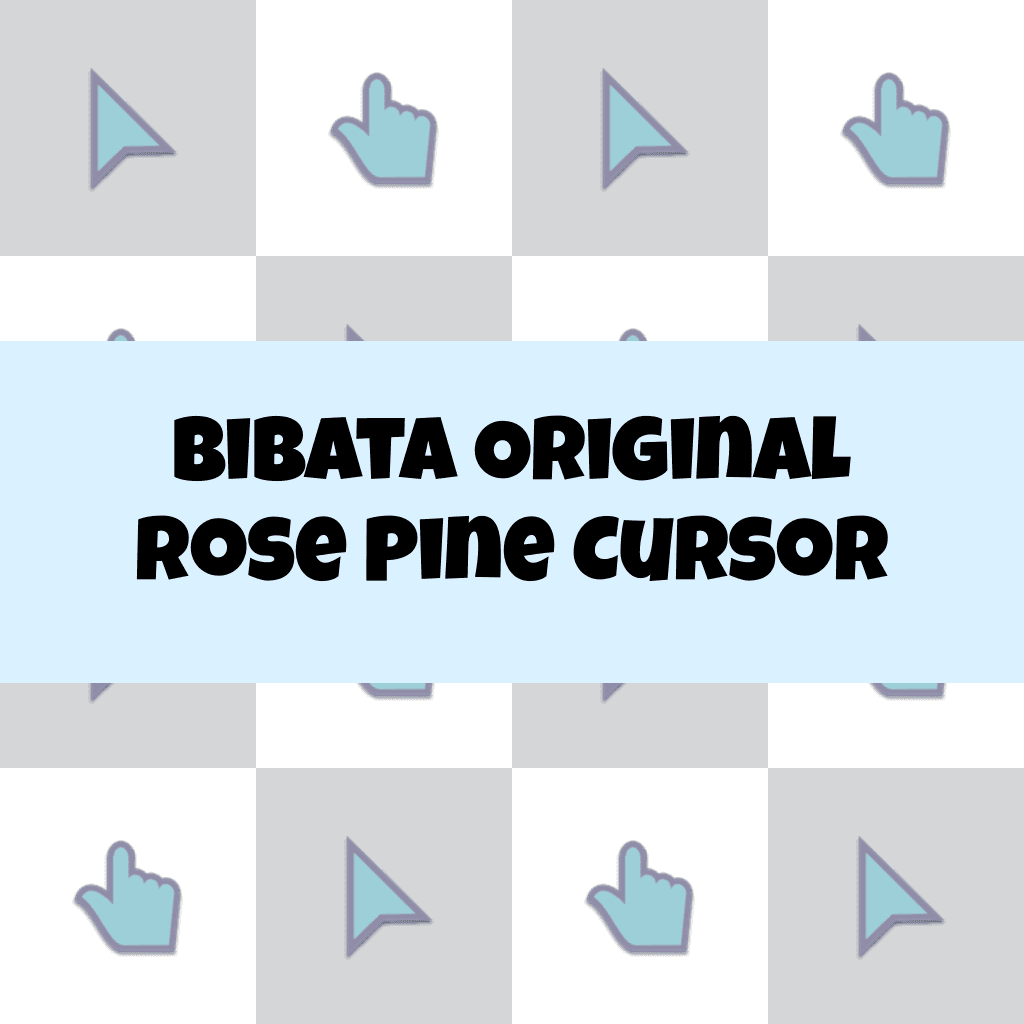
Bibata Original Rose Pine Cursor

Cursors in the pack
Description
Introducing the Bibata Original Rose Pine Cursor, a perfect blend of elegance and functionality. This exquisite cursor features a stylish rose pine design that will instantly enhance your digital experience. With its smooth and precise performance, you'll navigate your screen with ease and efficiency. Say goodbye to dull cursors and add a touch of sophistication to your computer interface.
Upgrade to the Bibata Original Rose Pine Cursor and let your unique style shine through.
What's included in the package
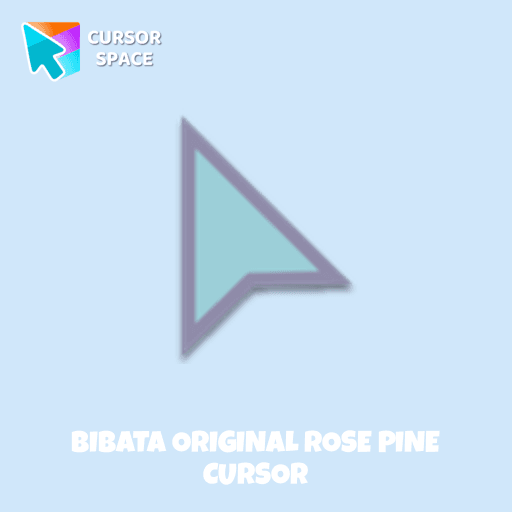
- Default Cursor
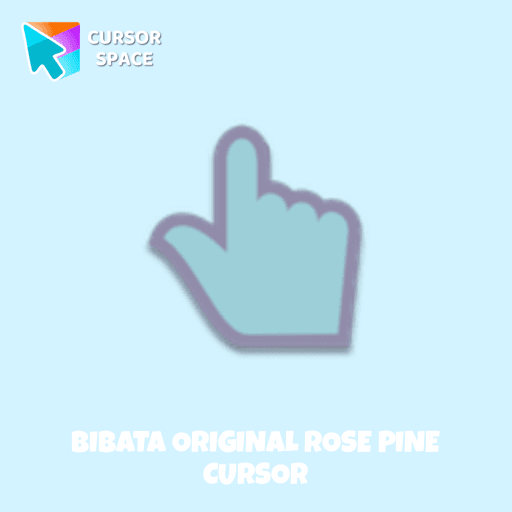
- Pointer (Hand)
How to install a custom cursor pack Bibata Original Rose Pine Cursor
Install the Cursor Space extension for Chrome or Cursor Space for Edge in your browser.
On this page, click "Add this cursor pack to the extension".
Open the extension and go to the Packs tab.
Find the custom cursor pack "Bibata Original Rose Pine Cursor" and click it.
Enjoy!
Ready to install?
Get this cursor pack and thousands of others by installing our extension. It's fast and free!
About this cursor pack
Bibata Original Rose Pine Cursor is a themed cursor pack you can add to your browser to personalize your pointer across common cursor states (default and pointer). Use it for everyday browsing, streaming, studying, or gaming-anywhere you want your cursor to match your vibe.
Instant preview
See how the cursors look before installing.
Easy install
Add the pack to the extension in a few clicks.
Works in your browser
Designed for Chrome and Edge via the extension.
FAQ
Quick answers to common questions about cursor packs, collections, and installation.
Do I need an extension?
Which browsers are supported?
How do I switch back to the default cursor?
Popular cursors today
Custom cursor and packs - neon, anime, pixel art. Quickly add to Chrome and Microsoft Edge for free
- TOP 1
Yellow Sapphire Texture cursor
(170)FreeEnhance your browsing with a custom cursor for Google Chrome featuring the timeless elegance of yellow sapphire. Add sophistication and style to your screen today.
- TOP 2
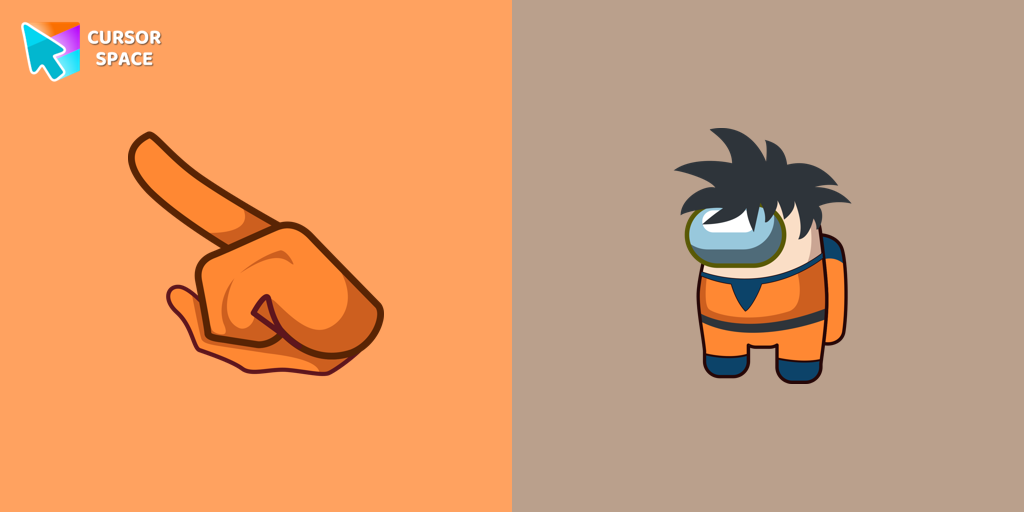
Among Us Son Goku Character cursor
(180)FreeEnter the World of Dragon Ball with the Among Us Son Goku Character Cursor
- TOP 3
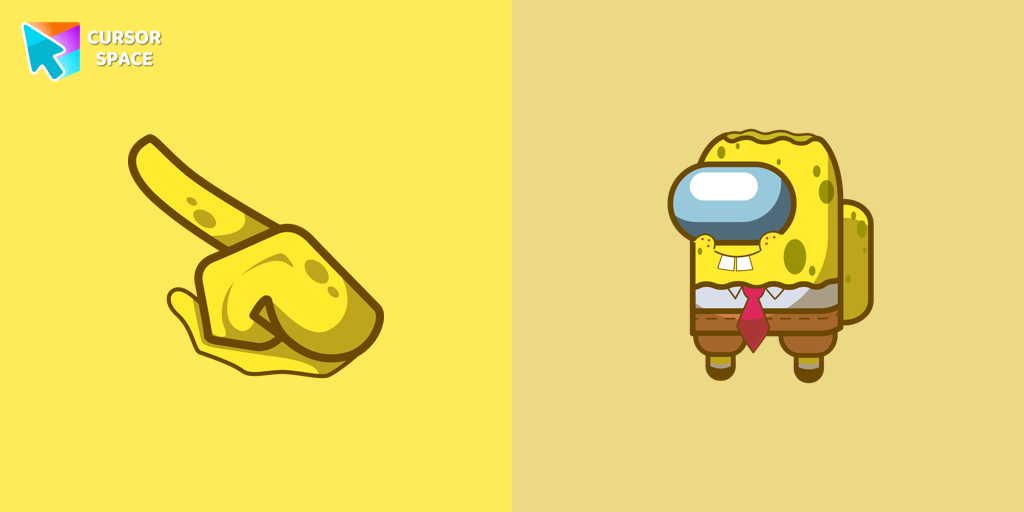
Among Us Spongebob Character cursor
(172)FreeOur collection of custom cursors for Chrome now features the Among Us Spongebob Character cursor.
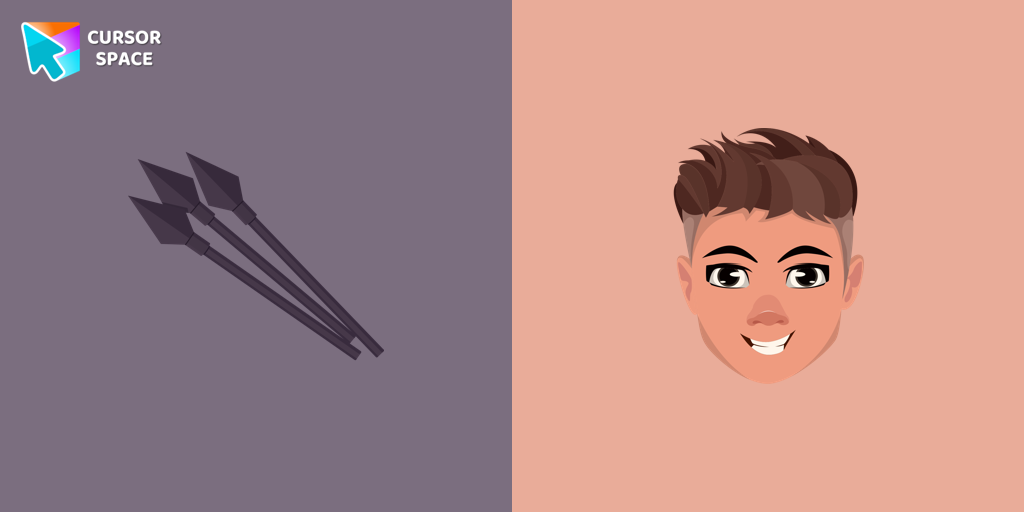
Hawkeye cursor
(171)FreeThe Hawkeye custom cursor for Google Chrome offers precision and sleek design. Experience the agility and accuracy of Hawkeye with this unique cursor.
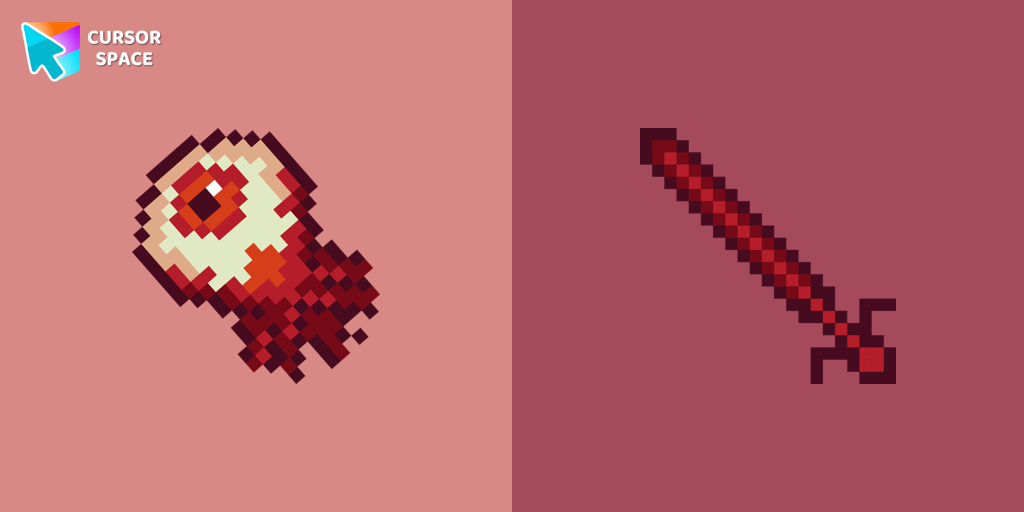
Eye Pixel cursor
(74)FreeIf you want to change your usual cursor to something festive, our Eye Pixel custom cursor for mouse and pointer will be a good match for this job.
Alien Pixel cursor
(174)FreeTransform your browsing with the cute custom cursor featuring an Alien Pixel design. Perfect for Chrome users and Pixel art fans
Labyrinth cursor
(461)FreeTransform your screen with our unique labyrinth custom cursor, perfect for adding timeless intrigue to your journey.
Among Us Red Character cursor
(173)FreeAmong Us players have the option to select from a variety of colors to customize their in-game characters. In fact, there are 18 different hues available for selection in the game lobby.
Among Us Baby Yoda Character cursor
(177)FreeAmong Us Baby Yoda Character Cursor - Unleashing the Cuteness and Mischief in Outer Space
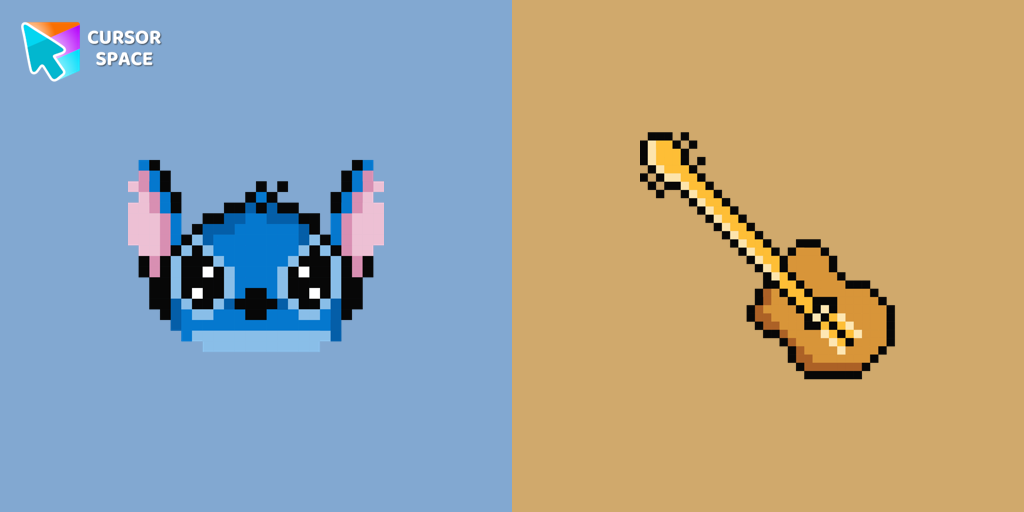
Stitch Pixel cursor
(186)FreeThe only thing that can destroy Stitch Pixel Cursor from our custom cursors collection for Chrome is boring time on the Internet.
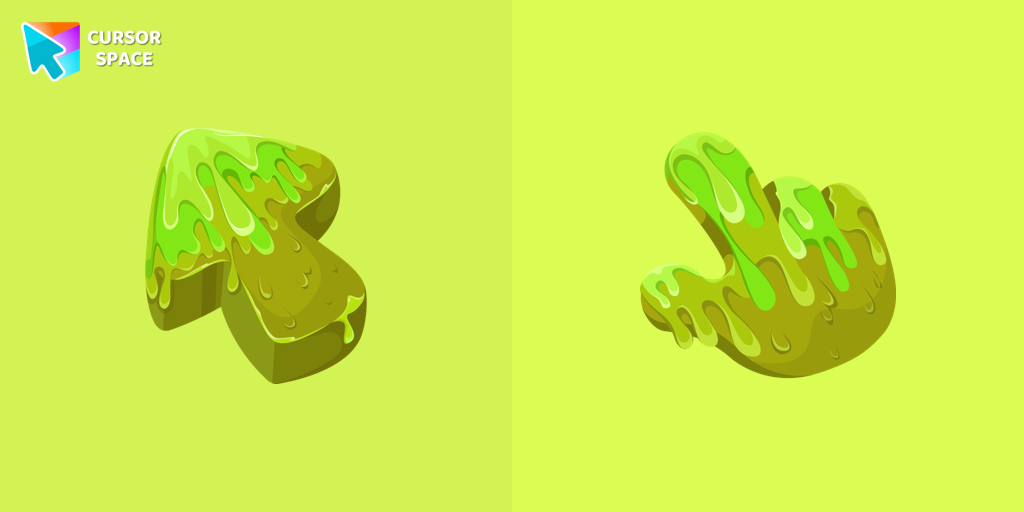
Slime Texture cursor
(174)FreeOur collection of custom cursors is excited to introduce the Cute Cursor Bundle, which includes a charming slime cursor and an adorable hover pointer.

Oreo black cursors
(176)FreeEnchant your screen with Oreo Spark Purple Cursors. Add magic and allure to your desktop with these captivating custom cursors.
Collection hits
Installation leaders from "Bibata Cursor Collection": free packs, neon/anime/pixel art, quick add to Chrome and Edge.
- TOP 1

Bibata Modern Classic Cursor
(493)FreeEnhance your desktop with Bibata Modern Classic Cursor - a stylish custom cursor that combines elegant design with classic comfort for everyday use.
- TOP 2

Bibata Modern Ice Cursor
(217)FreeEnhance your desktop with Bibata Modern Ice Cursor, a stylish and elegant custom cursor inspired by ice, perfect for a memorable user experience.
- TOP 3

Bibata Original Classic Cursor
(193)FreeEnhance your desktop experience with the Custom Bibata Original Classic Cursor, a stylish and modern option for both work and leisure.

Bibata Spirit Cursor
(157)FreeEnhance your digital experience with the elegant Bibata Spirit custom cursor, offering sleek design, smooth navigation, and improved visibility

Bibata Original Ice Cursor
(157)FreeRefresh your desktop experience with Bibata Original Ice, a stylish custom cursor featuring transparent shades and a unique ice effect for everyday use.

Bibata Ghost Cursor
(156)FreeElevate your digital experience with the Bibata Ghost custom cursor—sleek, translucent, and minimalist, offering smooth navigation and a sophisticated style.

Bibata Original Amber Cursor
(121)FreeEnhance your workspace aesthetics and efficiency with Bibata Original Amber Cursor, a custom cursor offering refined design and excellent visibility.

Bibata Tinted Cursor
(109)FreeEnhance visibility and productivity with the Bibata Tinted custom cursor - stylish, nimble, and vibrant for a personalized browsing experience.

Bibata Modern Amber Cursor
(102)FreeUpgrade your desktop with the Bibata Modern Amber custom cursor—stylish, sleek, and functional, offering enhanced visibility and a unique amber touch.
Bibata Modern Amber
(61)FreeThe Bibata Modern Amber Cursor is a stylish design with a sleek amber hue, ideal for enhancing any computer interface.
Install Cursor Space - A Collection of Custom Cursors for Chrome & Edge
Add packs instantly and unlock access to thousands of cursors: neon, anime, pixel-art, and more. Fast, safe, and free.
- Free cursor packs
- HD/HiDPI & animated icons
- Quick browser installation
Cursor Space is an extension for changing your mouse cursor in Chrome and Edge browsers: themed collections, HiDPI icons, neon, animated, and pixel cursors, with quick installation.